Euro Truck Simulator 2 voice control
Watch EchoControl drive Euro Truck Simulator 2 hands-free. Start the engine, flash the lights and switch cameras by voice, hands on the wheel. No setup.
Pay once · No subscription · Windows 10/11
🔇 The spoken replies are optional. One toggle mutes them, and your commands work exactly the same.
Your hands are on the wheel. The lights aren't.
Euro Truck Simulator 2 is made for a wheel and pedals, yet half of what you do on a long haul still lives on the keyboard. L for the lights, K for the high beam, C for cruise control, F for the hazards, a row of number keys for the cameras. At night, on a wheel, that means letting go, glancing down and hoping you hit the right key.
EchoControl gives each of those a spoken command. You say it, the key gets pressed, and you keep driving.
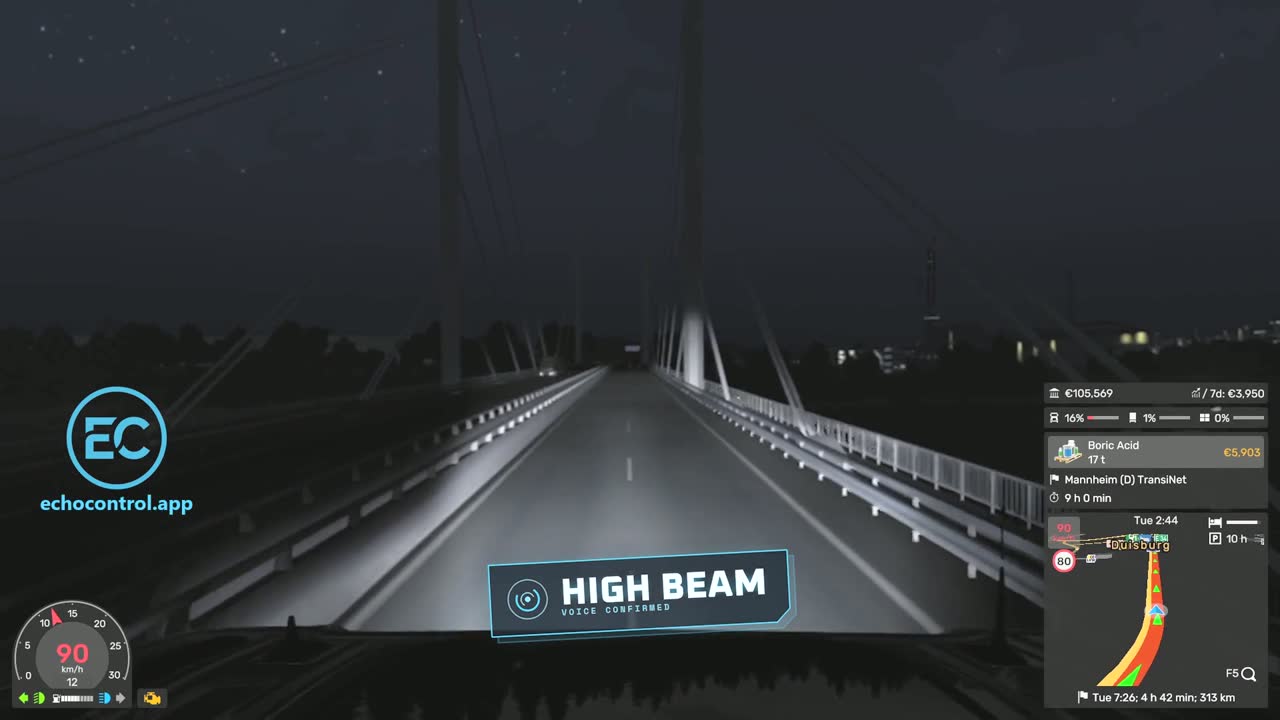
high beam and both hands stay where they are.What you can do by voice in Euro Truck Simulator 2
The Euro Truck Simulator 2 profile comes with 45 commands in 5 groups, ready the moment you install. Every command accepts several phrasings, so you don't have to remember one exact word. These are the groups, with some of the phrases each one understands.
Drive without reaching for the keyboard
Start the engine, set the parking brake, engage the engine brake or cruise control and shift gears, all on the move. Try start engine, handbrake, engine brake, cruise control or shift up.
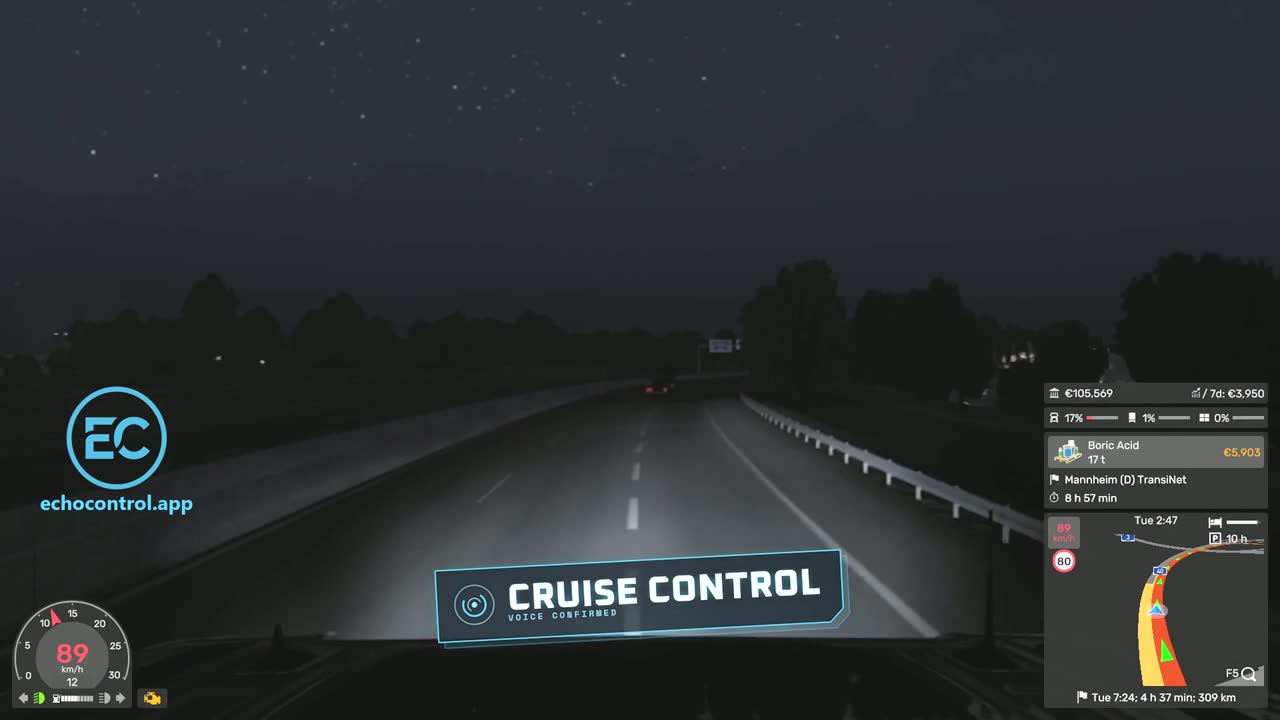
cruise control instead of feeling around for the C key.Lights, high beam, hazards and indicators
The lights are where voice pays off fastest: at night, in tunnels, or when a car ahead needs a quick flash. Say lights, high beam (or brights, or full beam), hazard lights, left indicator or flash.
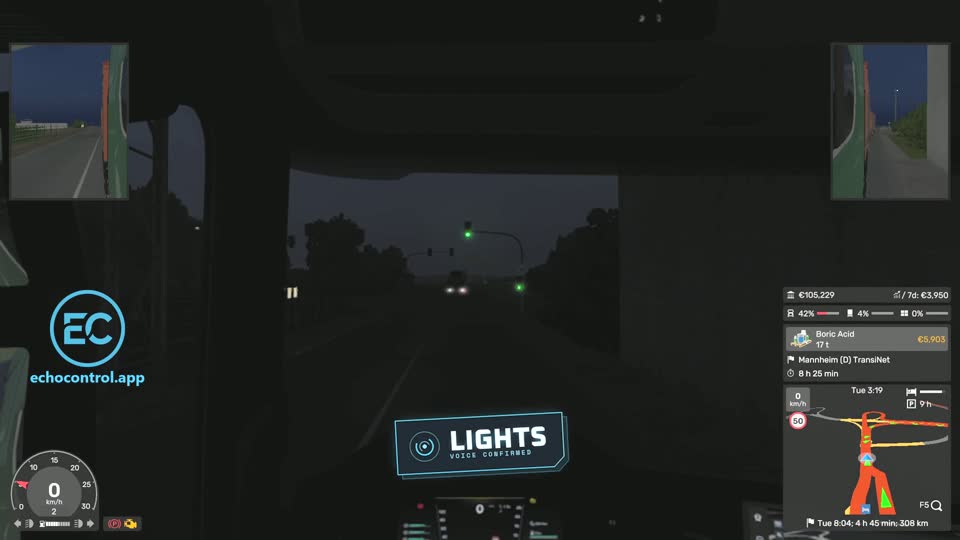
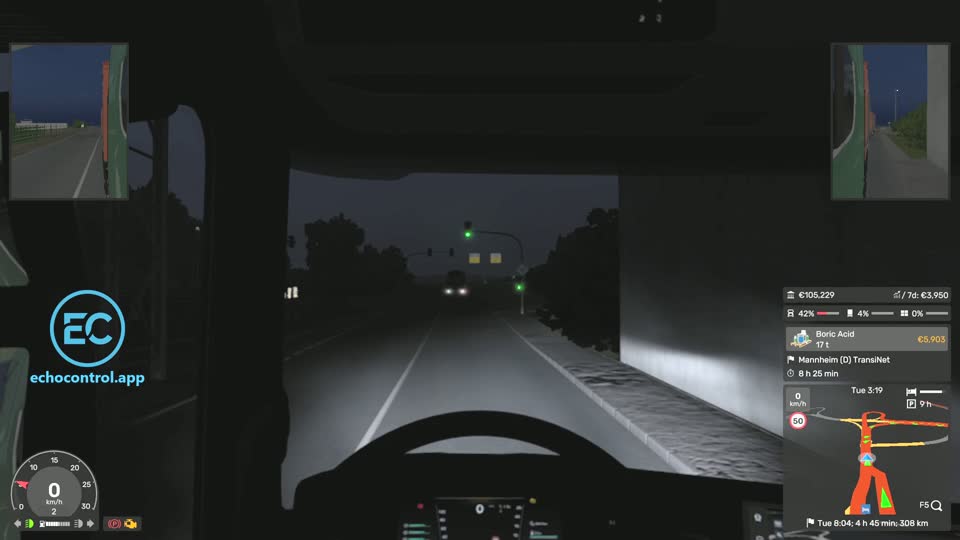
lights. 2 A moment later the headlights are on. Two real frames, back to back.Every camera, by name or by number
Nine camera views, each one a phrase away: interior camera, roof cam, wheel cam, bumper cam, rear view and the rest. If you prefer numbers, camera four works too.
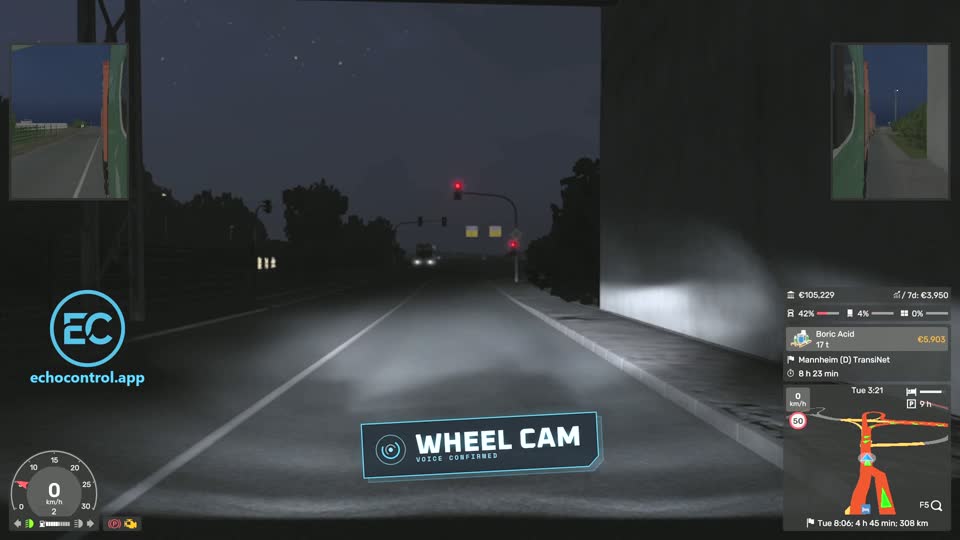
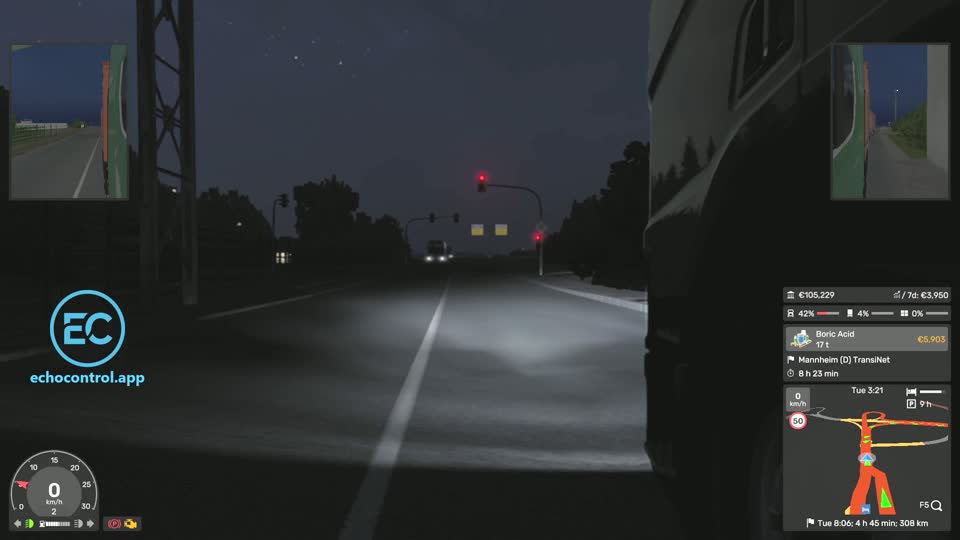
wheel cam. 2 The view drops down beside the front wheel.🔇 Rather keep it quiet? Turn off the spoken replies and the cameras still switch on command.
Truck systems, maps and the route advisor
The rest of the cab is covered too. Sound the horn, start the wipers, open the radio, connect trailer or toggle the mirrors. When you're parked at a rest stop, say map, gps or garage to check the route or your garages without alt-tabbing out of the cab.
Pay once · No subscription · Windows 10/11
How it works
- Install EchoControl on Windows 10 or 11 and plug in a microphone.
- Pick the Euro Truck Simulator 2 profile. Its commands are already mapped to the game's default keys, so there is nothing to bind.
- Drive and talk.
lights,toggle lightsandcycle lightsall do the same thing, so say whichever comes naturally. There's no voice training: EchoControl only listens for the phrases in the profile instead of trying to make sense of everything it hears.
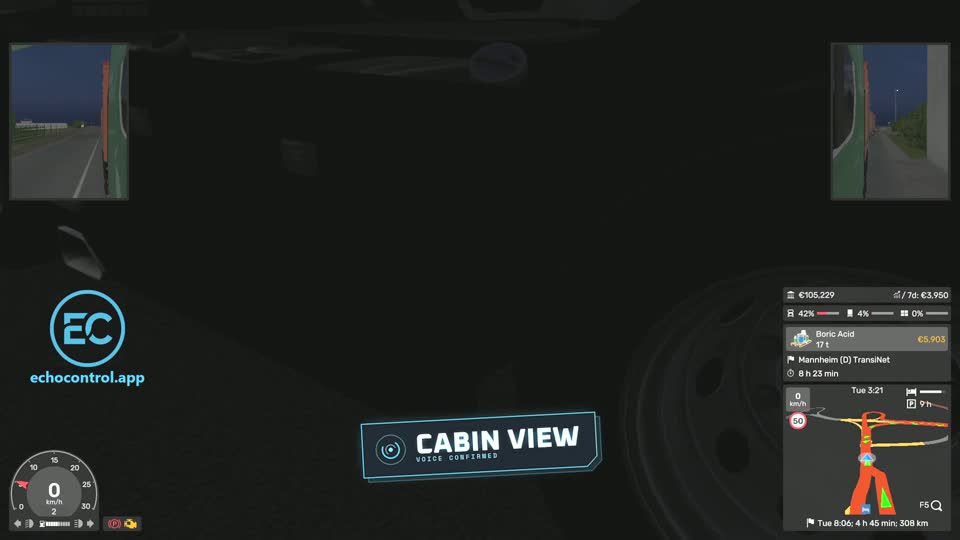
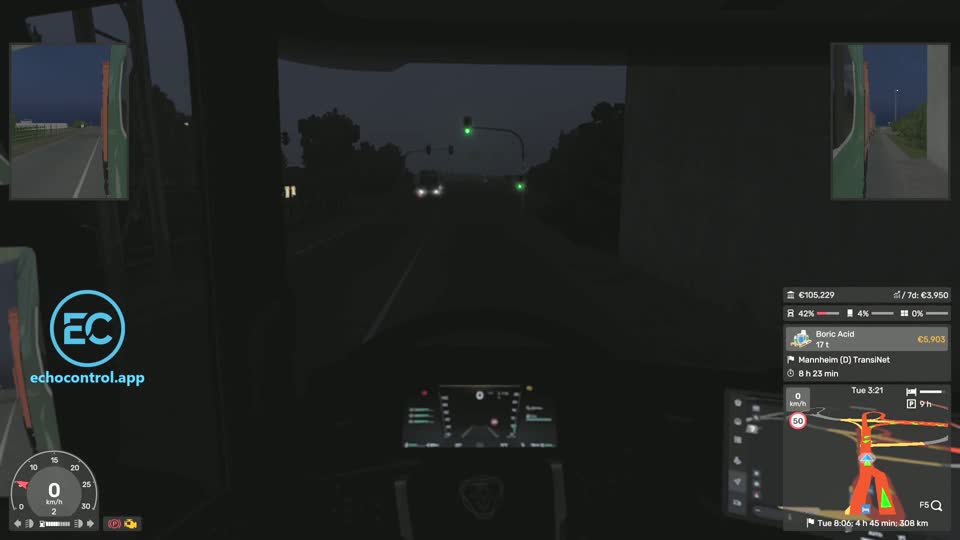
cabin view. 2 You're back in the driver's seat.Watch a full run
A minute and a half of real driving: engine, lights, high beam, every camera, mirrors and indicators, all by voice.
🔇 The voice that answers back is optional as well. Mute it from the main window and EchoControl stays silent.
The labels in our clips and screenshots were added in editing to show when each command was spoken. While you play, EchoControl confirms with a short spoken reply instead, and you can turn that off.
Questions before you buy
Do I have to train it on my voice?
No. There is no training step. EchoControl only listens for the phrases in the profile, so it doesn't need to learn your voice before it works.
Does it work with my wheel or controller?
EchoControl presses keyboard keys for you, so it works alongside whatever you already drive with: wheel and pedals, a controller or the keyboard itself.
Can I turn off the spoken replies?
Yes. One toggle in the main window mutes them, and your commands keep working exactly the same.
What if the command I want isn't in the profile?
Build it yourself with a Custom Profile: name the command, choose the phrases and pick the key it presses. It's included in the price.
What do I need to run it?
Windows 10 or 11 (64-bit) and a working microphone. Commands are spoken in English.
Can I get a refund?
If you bought on this site, you can ask for a full refund within 14 days as long as you haven't activated your license key. The details are in our refund policy.
A themed overlay, not a generic HUD
EchoControl's overlay switches its skin per game — this is the Euro Truck Simulator 2 trucker theme, always listening in the background while you play.
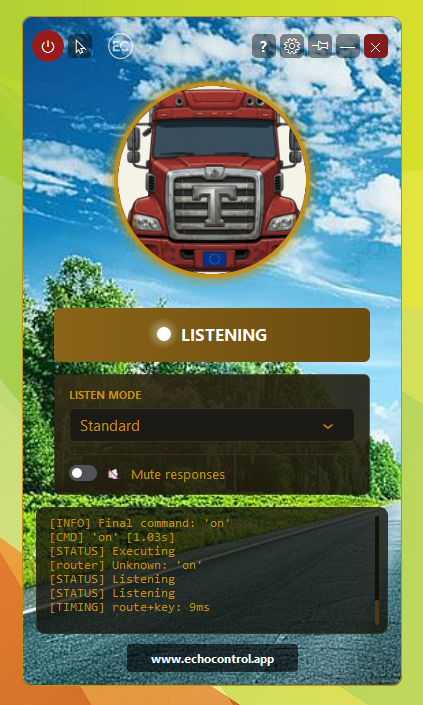
With a wheel in your hands, the lights, the cameras and the cruise control are all one reach away on the keyboard. Say the command instead: the overlay shows it heard you and the truck gets the keypress.
Play Euro Truck Simulator 2 with your voice
45 commands ship ready to use out of the box. No keybinds to memorize, no training, no setup.
Get EchoControl — 9,99€Want the full phrasing for every command? See the Euro Truck Simulator 2 command guide →