Shadow Tactics voice control
Watch EchoControl play Shadow Tactics hands-free. Command your squad, set traps, and manage stealth by voice — instant, no keybinds, no training.
Pay once · No subscription · Windows 10/11
Five shinobi, a dozen abilities, and the guards won't wait
Shadow Tactics asks a lot of your hands. You switch between five characters on 1 to 5, and the same A, S and D keys mean a different ability for each of them. Then there's Shadow Mode to plan, F5 to save before every risky move, and a mouse that never stops clicking.
EchoControl lets you just say who and what. hayato, then shuriken. yuki, then set trap. Your mouse hand keeps doing the precise work, and your voice handles the keys.
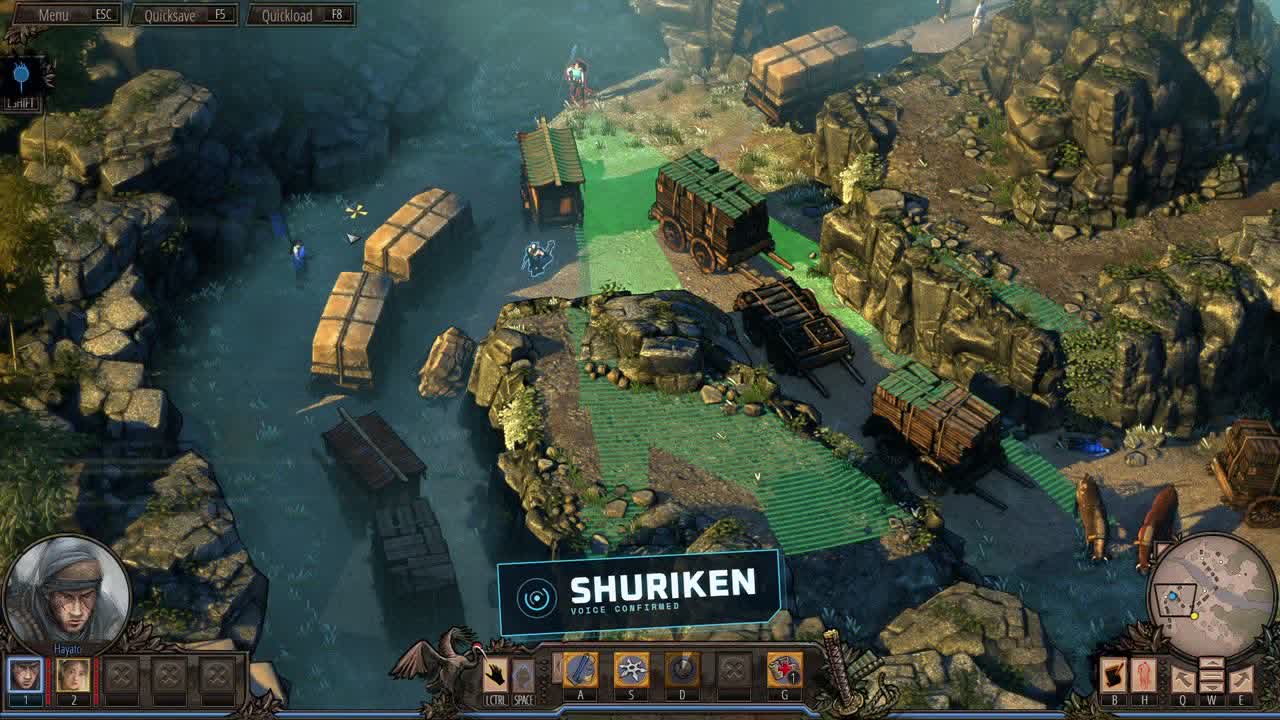
shuriken instead of reaching for the S key.What you can do by voice in Shadow Tactics
The Shadow Tactics profile comes with 92 commands in 9 groups, ready the moment you install. Every character has their own set, and most commands accept several phrasings.
Pick your character by name
Say hayato, yuki, mugen, aiko or takuma, or bring the whole squad with all of you. Nicknames work too: the ninja, the old man. To move the camera without changing who's selected, say go to yuki.
Every ability, character by character
Hayato has katana, shuriken and throw rock. Yuki has set trap and whistle. Mugen has storm and throw body, Aiko has disguise and powder, and Takuma has the sniper and his tanuki.
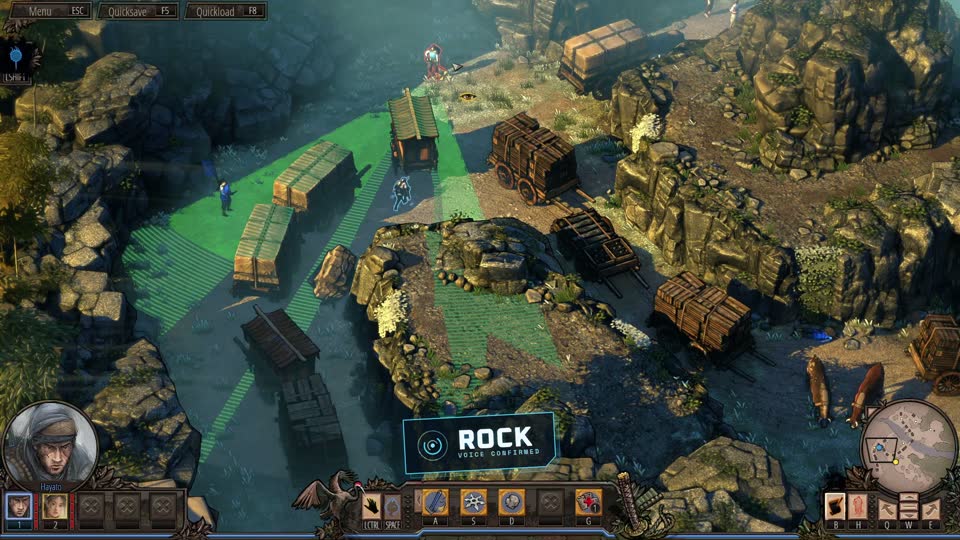
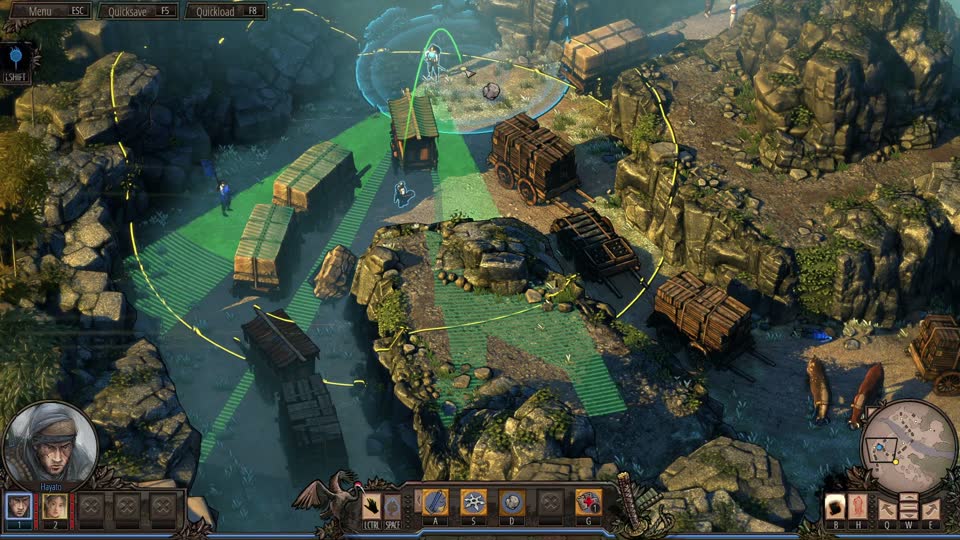
rock. 2 Hayato's throw arc appears, ready to place the distraction.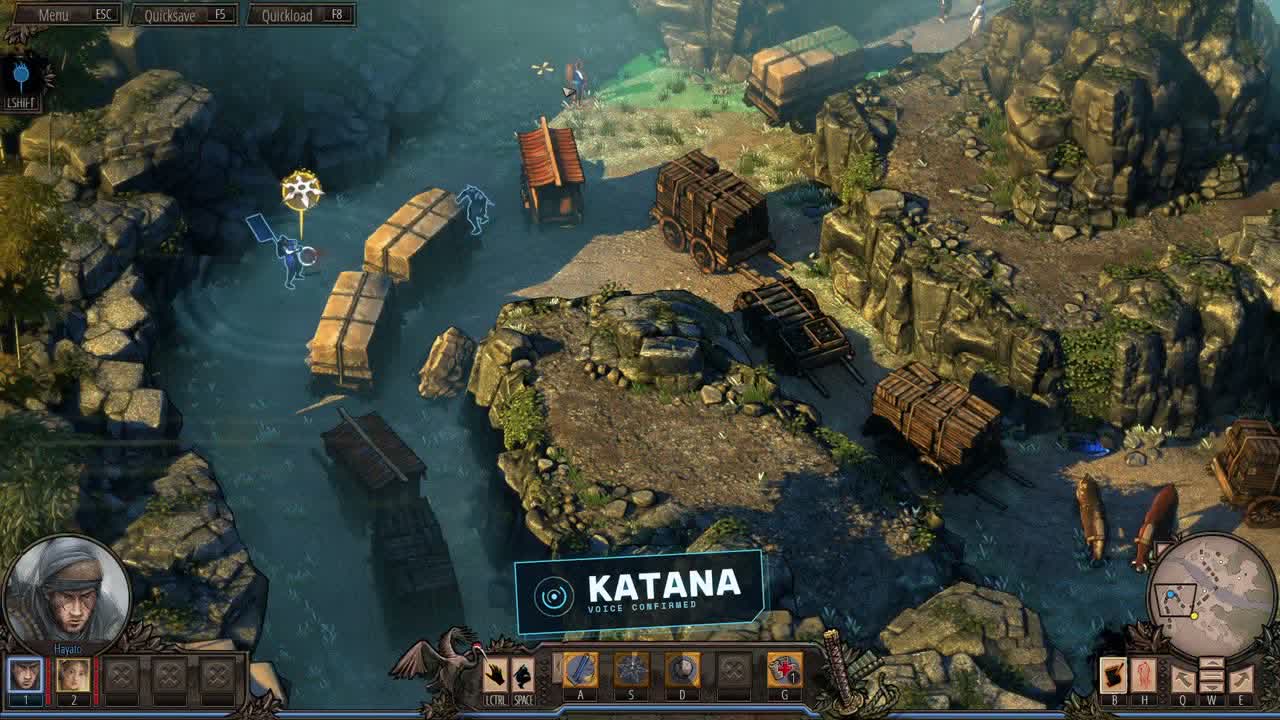
katana, called by name instead of the A key.Shadow Mode, by voice
The game's signature move gets easier when you can talk it through. Say shadow mode to plan, add now to an ability to queue it (katana now, trap now, sniper now) and say execute to fire every queued action at once.
🔇 Prefer silence while you sneak? Mute the spoken replies and every command still lands.
Saves, enemy vision and the rest
quick save before a risky move and quick load when it goes wrong, highlight all to see every enemy, heal to patch up and pass cutscene to move on. For anything without a named command, press a, press s and the rest of the direct keys cover it.
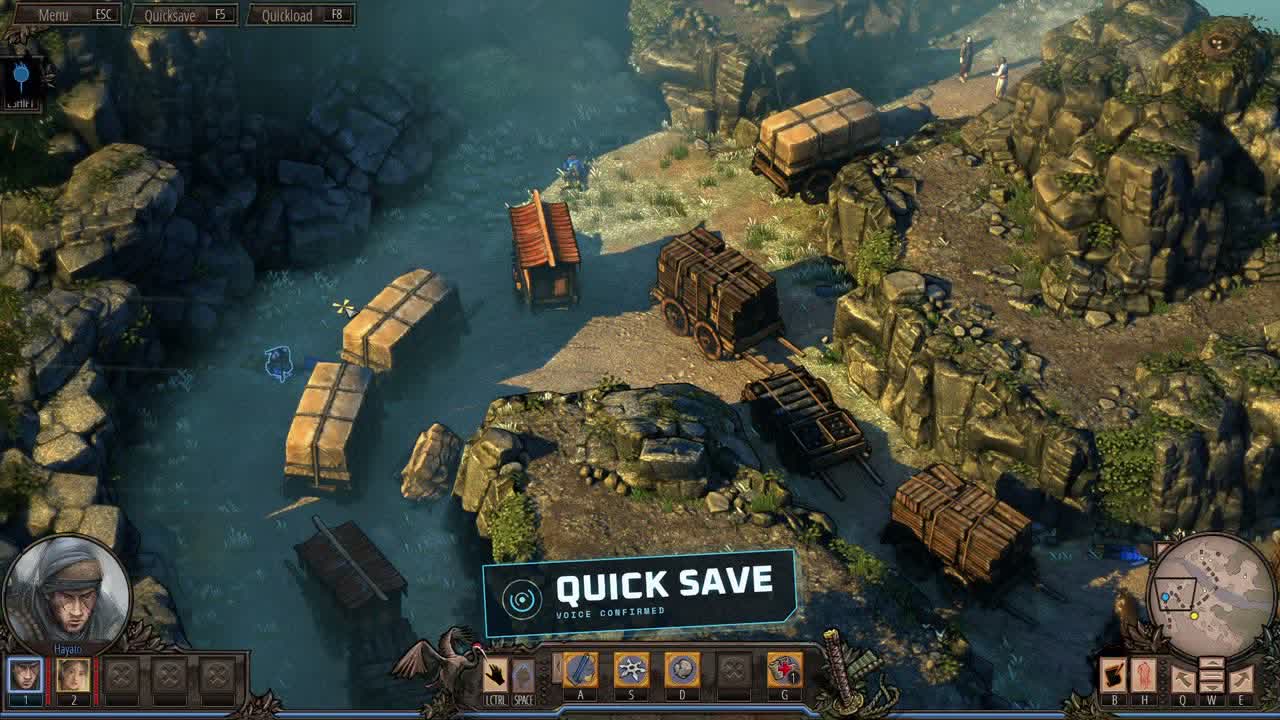
quick save, without taking your eyes off the guards.Pay once · No subscription · Windows 10/11
How it works
- Install EchoControl on Windows 10 or 11 and plug in a microphone.
- Pick the Shadow Tactics profile. The commands come already mapped, so there is nothing to bind.
- Play and talk.
hayato,select hayatoandthe ninjaall select him, so say whichever comes first. There's no voice training: EchoControl only listens for the phrases in the profile instead of trying to make sense of everything it hears.
The labels in our clips and screenshots were added in editing to show when each command was spoken. While you play, EchoControl confirms with a short spoken reply instead, and you can turn that off.
Questions before you buy
Do I still use the mouse?
Yes. You keep clicking to move and to pick targets. EchoControl takes care of the keys: switching characters, abilities, Shadow Mode and saves.
Do I have to train it on my voice?
No. There is no training step. EchoControl only listens for the phrases in the profile, so it doesn't need to learn your voice before it works.
Can I turn off the spoken replies?
Yes. One toggle in the main window mutes them, and your commands keep working exactly the same.
What if the command I want isn't in the profile?
Build it yourself with a Custom Profile: name the command, choose the phrases and pick the key it presses. It's included in the price.
What do I need to run it?
Windows 10 or 11 (64-bit) and a working microphone. Commands and spoken replies work in English or Spanish.
Can I get a refund?
If you bought on this site, you can ask for a full refund within 14 days as long as you haven't activated your license key. The details are in our refund policy.
A themed overlay, not a generic HUD
EchoControl's overlay switches its skin per game — this is the Shadow Tactics ninja theme, always listening in the background while you play.
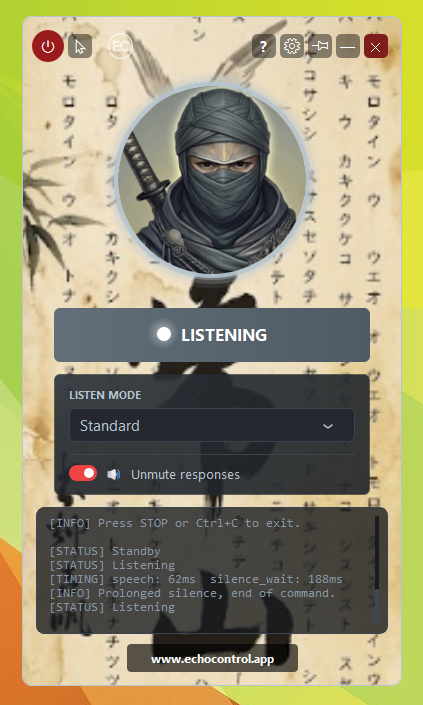
No alt-tabbing to check a keybind sheet, no macros, no extra hardware. You say the action, the overlay shows it heard you, the game gets the keypress.
Play Shadow Tactics: Blades of the Shogun with your voice
92 commands ship ready to use out of the box. No keybinds to memorize, no training, no setup.
Get EchoControl — 9,99€Want the full phrasing for every command? See the Shadow Tactics command guide →