Delta Force 1 & 2 voice control
Watch EchoControl play the classic Delta Force 1 & 2 (1998 and 1999) hands-free. Call out an action out loud and it fires instantly — no keybinds to memorize, no training, no setup.
Pay once · No subscription · Windows 10/11
Your hand is on the mouse. The keys are all over the place.
Delta Force 1 and 2 come from a time when every action had its own key, scattered across the keyboard. End to crouch, Delete to stand up, the middle mouse button to go prone, 9 for a grenade, C for the map, B for the binoculars. Under fire, every reach for one of them costs you a second and usually your aim.
EchoControl turns those into spoken commands. You call the action, the key gets pressed, and your hands stay on the mouse and the movement keys.
What you can do by voice in Delta Force 1 & 2
The Delta Force profile comes with 74 commands in 8 groups, ready the moment you install. Most commands accept several phrasings, so you can say what an operator would say instead of memorizing one exact word.
Change stance without hunting for End and Delete
Drop flat, crouch behind cover or get back on your feet with go prone, hit the deck, crouch, stand up or jump. Need to move quietly? Say walk.
The calls you make under fire
aim, reload, throw grenade and drop gear, all without taking your hand off the mouse.
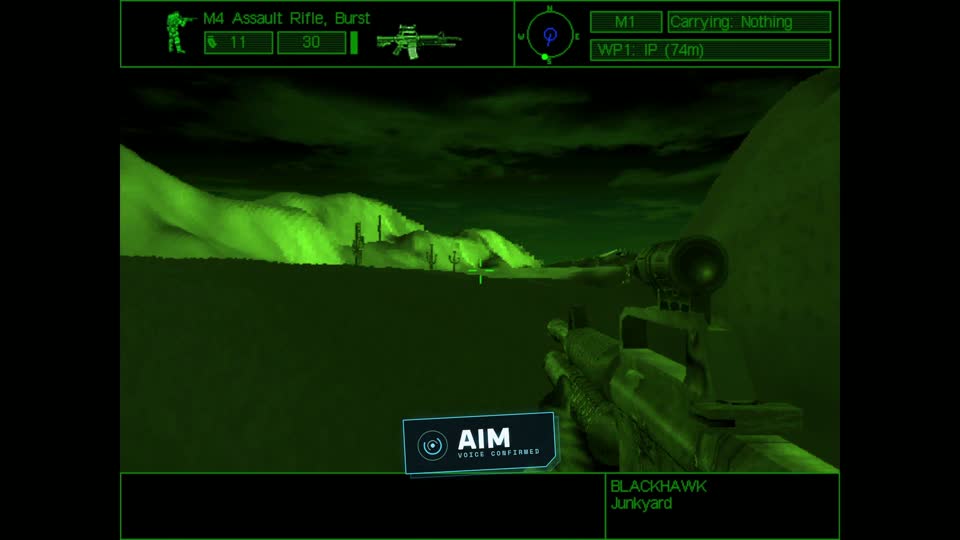
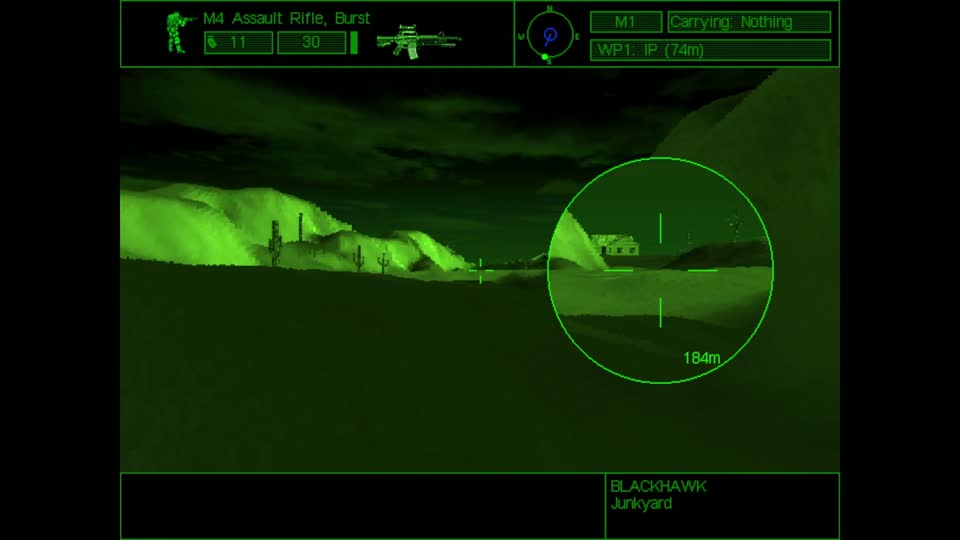
aim. 2 The scope comes up.Switch weapons by name or by slot
knife, pistol, rifle, primary two, single shot, next weapon or laser designator. No more counting number keys to find the right slot.
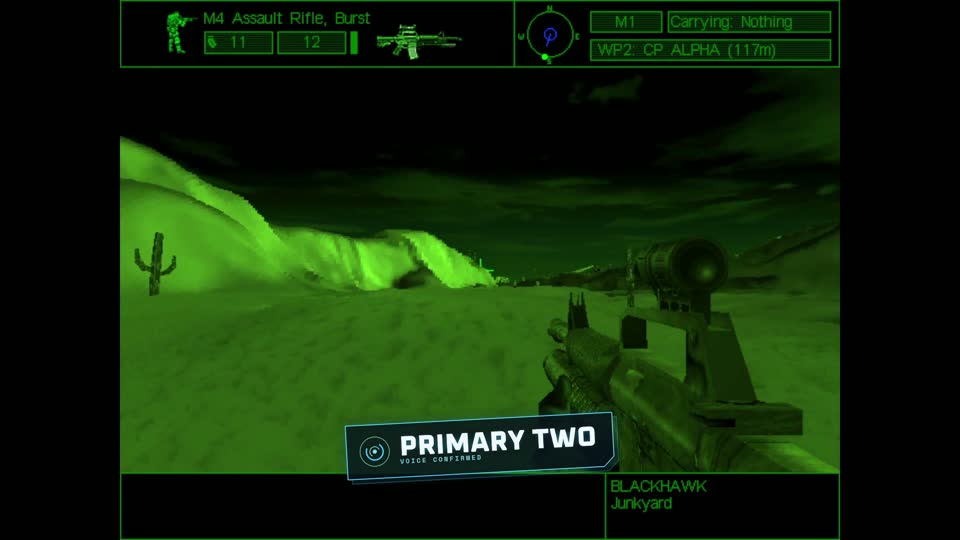
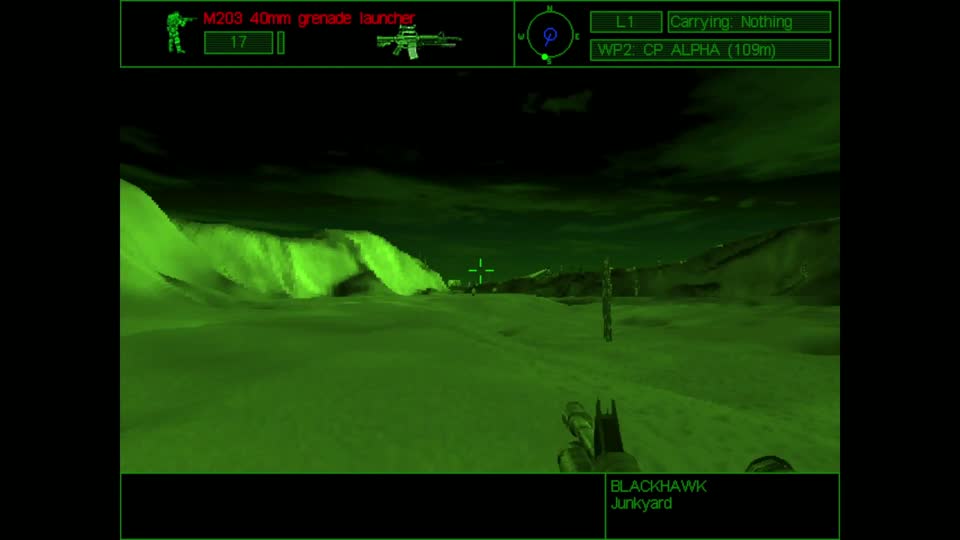
primary two. 2 The M4 switches to its M203 grenade launcher.🔇 Rather play without the voice that answers back? Mute it and the weapons still switch on command.
Map, binoculars and mission intel
Check where you are and where you're going: open map, zoom in, close map, binoculars, objectives or next waypoint.
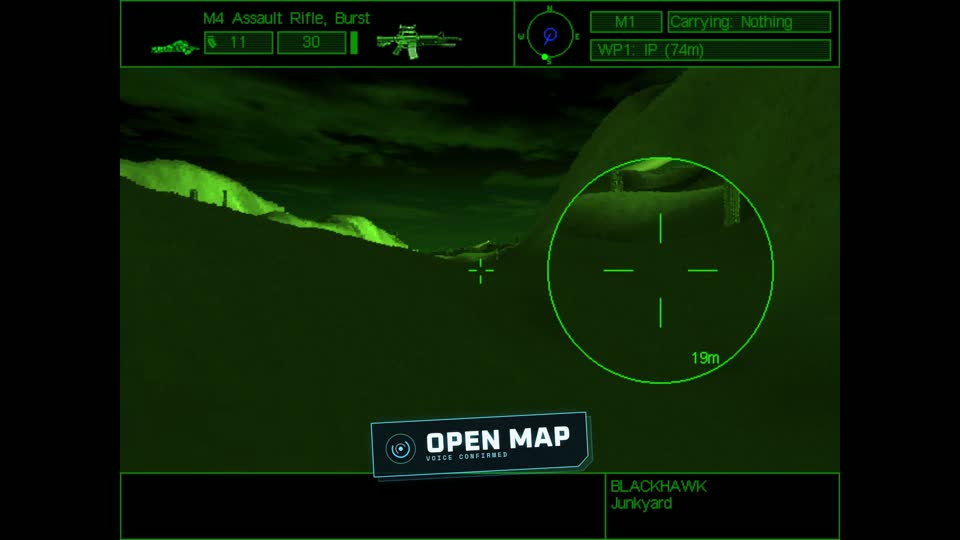
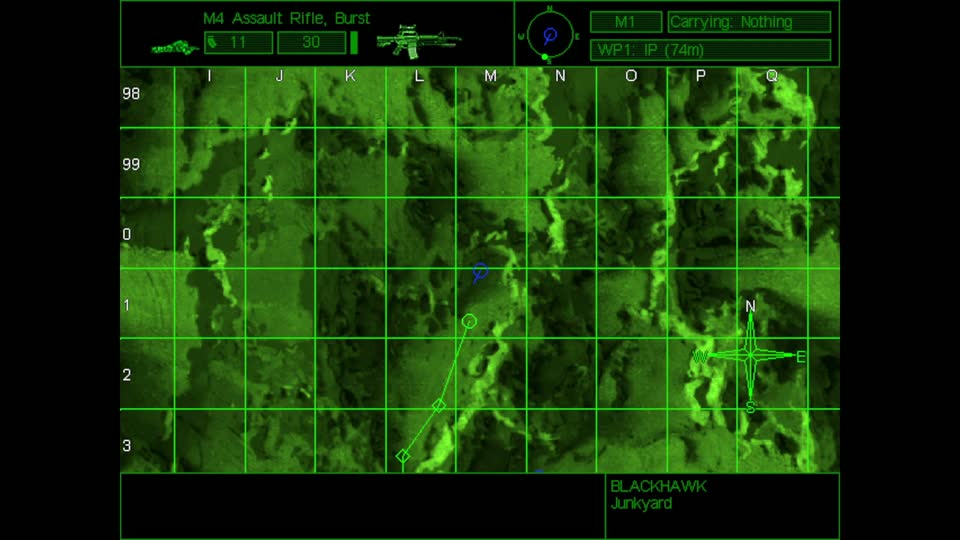
open map. 2 The tactical map fills the screen.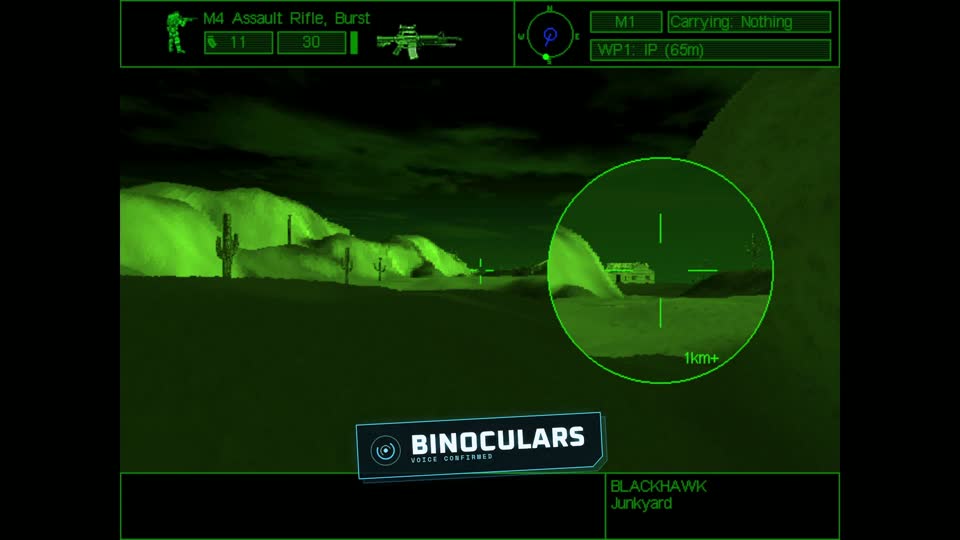
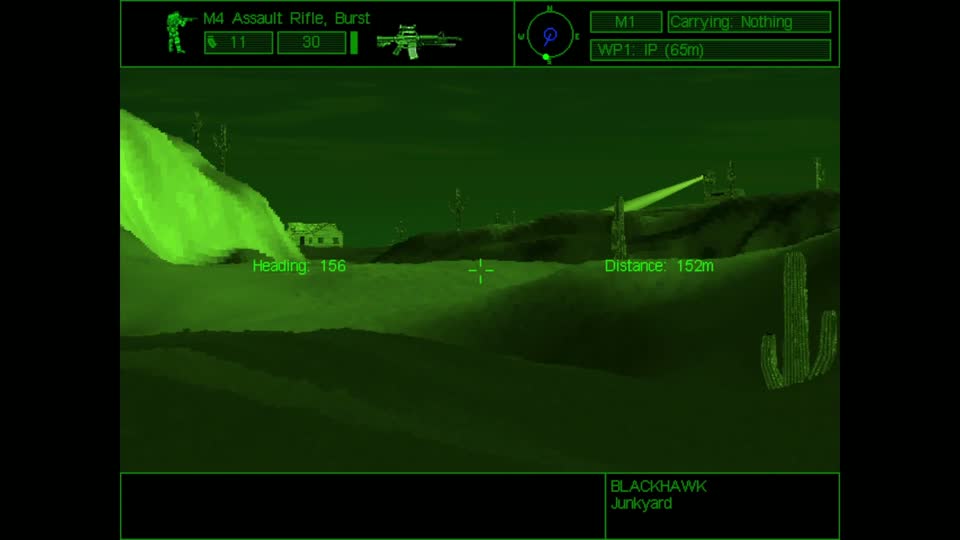
binoculars. 2 The binocular view comes up, with heading and distance.Radio, menus and the NATO alphabet
Open the radio with team radio, get to the menu, and use the full NATO alphabet, from alfa to zulu, where each word presses its letter key.
Pay once · No subscription · Windows 10/11
How it works
- Install EchoControl on Windows 10 or 11 and plug in a microphone.
- Pick the Delta Force profile. The commands come already mapped, so there is nothing to bind.
- Play and talk.
prone,go proneandhit the deckall do the same thing, so say whichever comes first. There's no voice training: EchoControl only listens for the phrases in the profile instead of trying to make sense of everything it hears.
Watch a mission
Under a minute of real play: stance, scope, map and binoculars, all called out loud.
🔇 The spoken replies are your choice. Switch them off from the main window and EchoControl goes quiet.
The labels in our clips and screenshots were added in editing to show when each command was spoken. While you play, EchoControl confirms with a short spoken reply instead, and you can turn that off.
Questions before you buy
Which Delta Force games does it cover?
The profile is built for the classic Delta Force 1 and 2, released in 1998 and 1999.
Do I have to train it on my voice?
No. There is no training step. EchoControl only listens for the phrases in the profile, so it doesn't need to learn your voice before it works.
Does it get in the way of my mouse and keyboard?
No. EchoControl presses keys for you, so you keep aiming and moving exactly as you do now. Voice simply covers the keys you would otherwise have to reach for.
Can I turn off the spoken replies?
Yes. One toggle in the main window mutes them, and your commands keep working exactly the same.
What if the command I want isn't in the profile?
Build it yourself with a Custom Profile: name the command, choose the phrases and pick the key it presses. It's included in the price.
What do I need to run it?
Windows 10 or 11 (64-bit) and a working microphone. Commands and spoken replies work in English or Spanish.
Can I get a refund?
If you bought on this site, you can ask for a full refund within 14 days as long as you haven't activated your license key. The details are in our refund policy.
A themed overlay, not a generic HUD
EchoControl's overlay switches its skin per game — this is the Delta Force 1 & 2 operator theme, always listening in the background while you play.
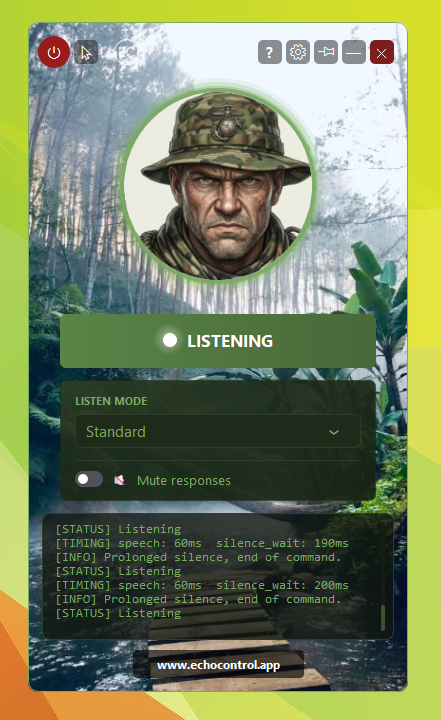
No alt-tabbing to check a keybind sheet, no macros, no extra hardware. You say the action, the overlay shows it heard you, the game gets the keypress.
Play Delta Force 1 & 2 with your voice
74 commands ship ready to use out of the box. No keybinds to memorize, no training, no setup.
Get EchoControl — 9,99€Want the full phrasing for every command? See the Delta Force 1 & 2 command guide →