Voice Control for PC Games

Control your game
with your voice.

No setup. No keybinds. Just speak.
5 game profiles included. Works with any game via Custom Profile.

One-time purchase · No subscription · Windows

The problem

Too many controls.
Too many keys.

Every time you reach for the keyboard, you break the immersion.
You're mid-race. Mid-mission. Mid-dogfight. You shouldn't have to look down.

Just talk.

How it works

Up and running in 2 minutes.

01
Install EchoControl
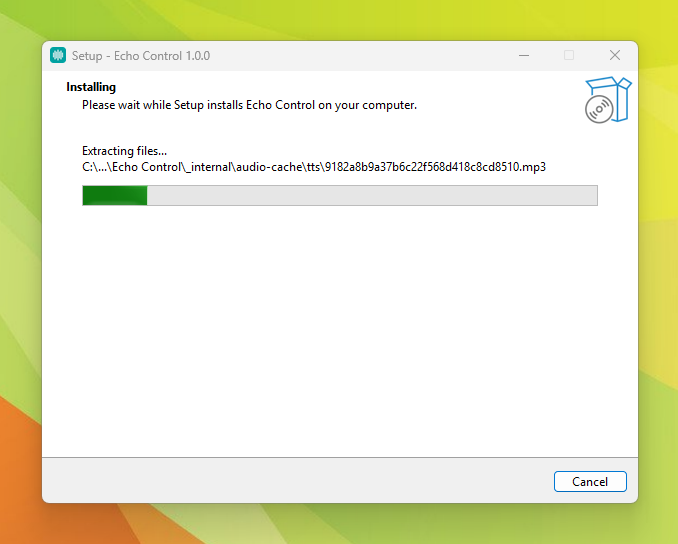
Download the Windows app. No drivers, no dependencies. Run the EXE and you're in.
02
Select your game
Pick from 4 ready-to-use profiles — or build your own Custom Profile for any game.
03
Speak
Say what you want. EchoControl listens, recognizes the phrase, and fires the command. Every time.
The fix

EchoControl listens.
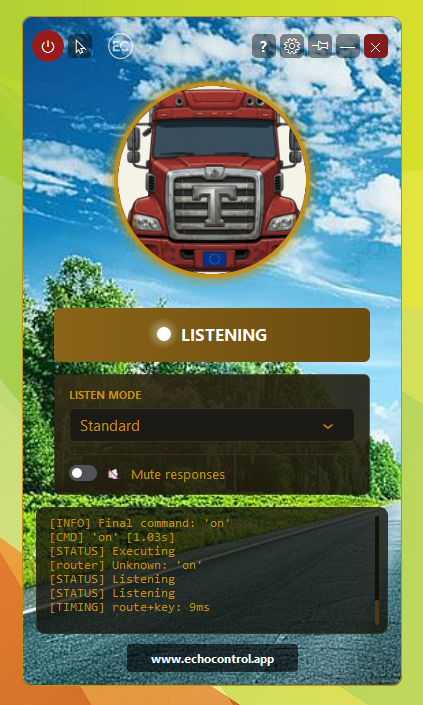
Your game responds. Instantly.

Each command ships with several trigger phrases built in. "Reload", "new mag", "change magazine" — say whichever comes out. They all fire the same key.

"Left indicator"
✓ Executed
"Cruise control on"
✓ Executed
"Wipers"
✓ Executed
● Listening
Features

Designed to get out of the way.

Every decision in EchoControl was made with one goal: keep you in the game.

Commands fire the moment you speak
No delay, no lag. Say the word — the action fires. Fast enough to keep pace with real gameplay.
Still works in the middle of combat.
Closed vocabulary means the engine only listens for mapped commands — not everything you say. No training sessions. No ambient triggers. No silent failures when the game gets loud.
Open the app. Start speaking.
4 games, fully configured out of the box. Select your game, hit Listen, and go.
The game talks back
Hear confirmation of every command. No need to glance away from the screen to check if it worked.
Nothing to set up. Ever.
No voice training. No keybind editor. No profile building. Works from the very first launch.
The game, back within reach.
For players who find keyboard gaming challenging — for any reason — voice control removes the barrier. No physical setup required.
Compatibility

5 games. 216+ commands.
Hundreds of ways to say them.

Don't see your game? Build your own profile — or request it and we'll add it.

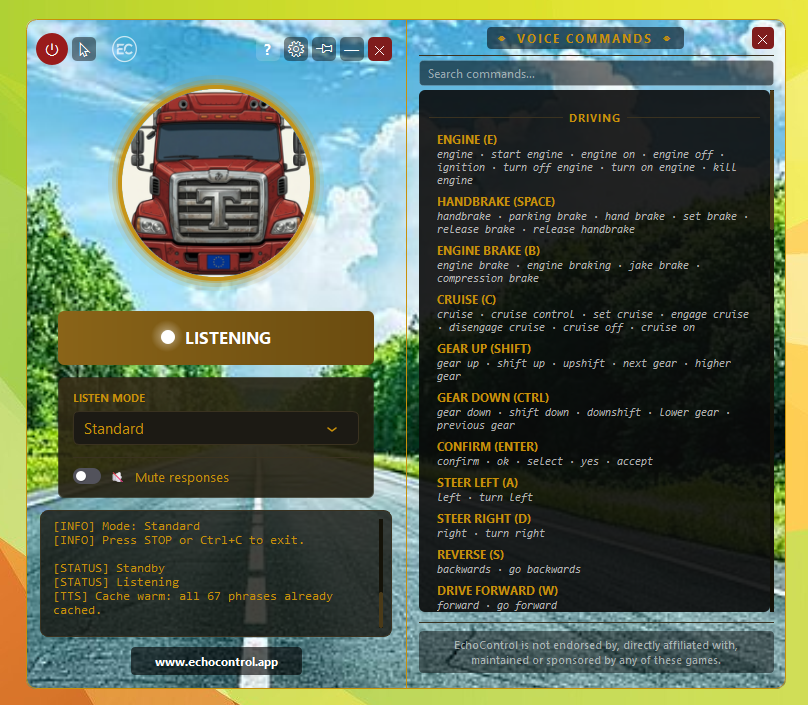
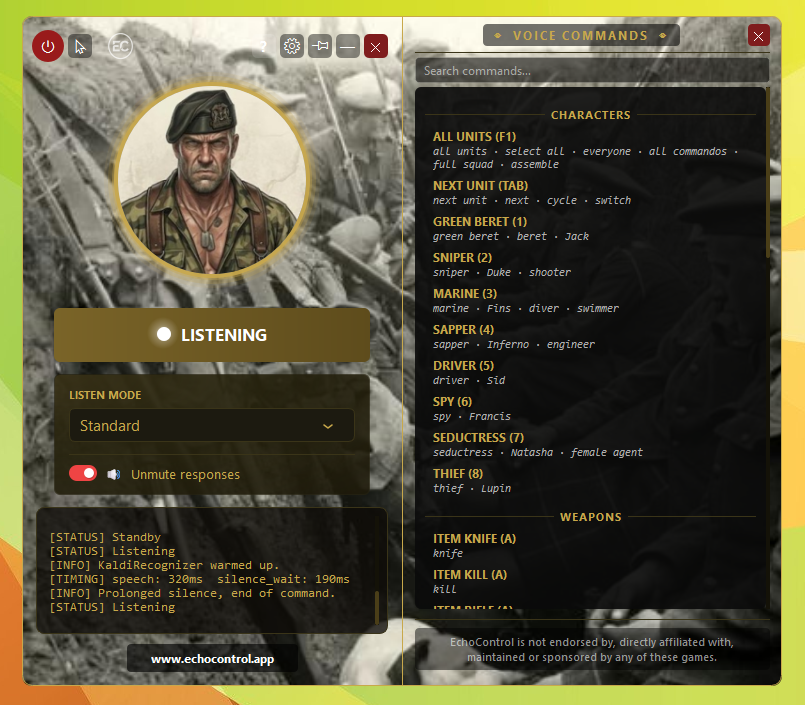
Euro Truck Simulator 2 profile
★ Primary
Euro Truck Simulator 2
36 intents · 187 phrases
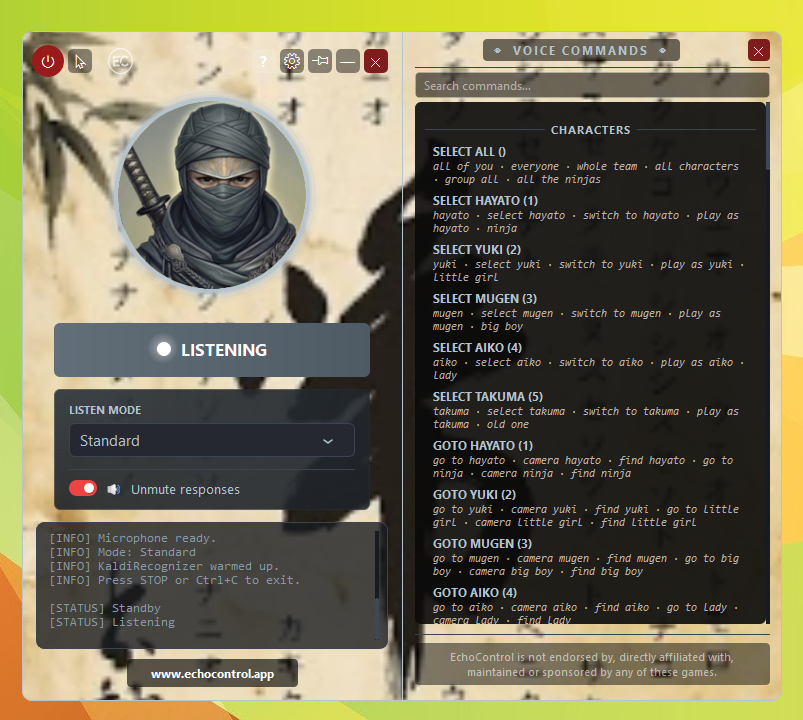
Shadow Tactics profile
Shadow Tactics:
Blades of the Shogun
92 intents · 365 phrases
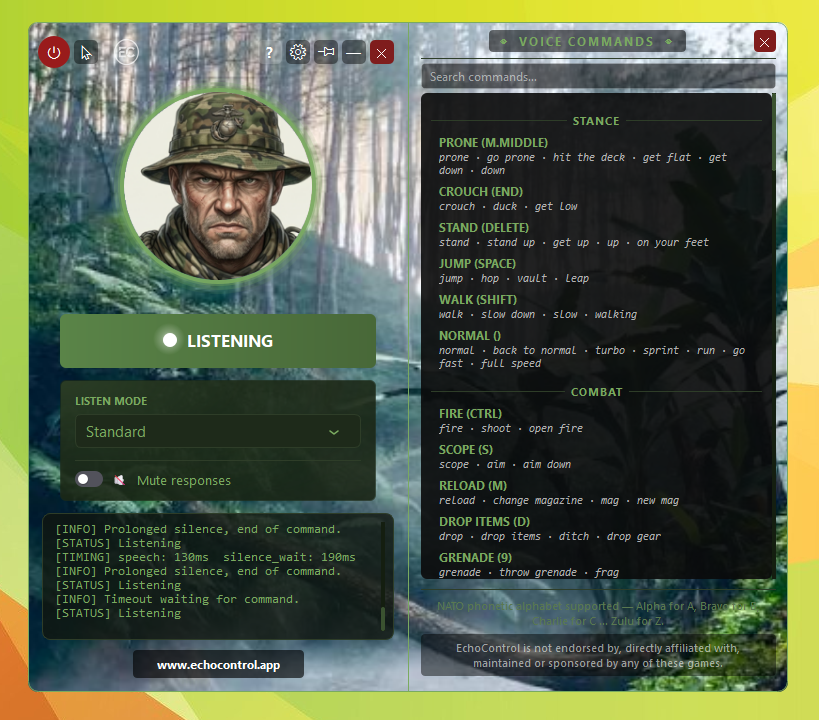
Delta Force profile
Delta Force 1 & 2
1998 · 1999
50+ intents · 144+ phrases
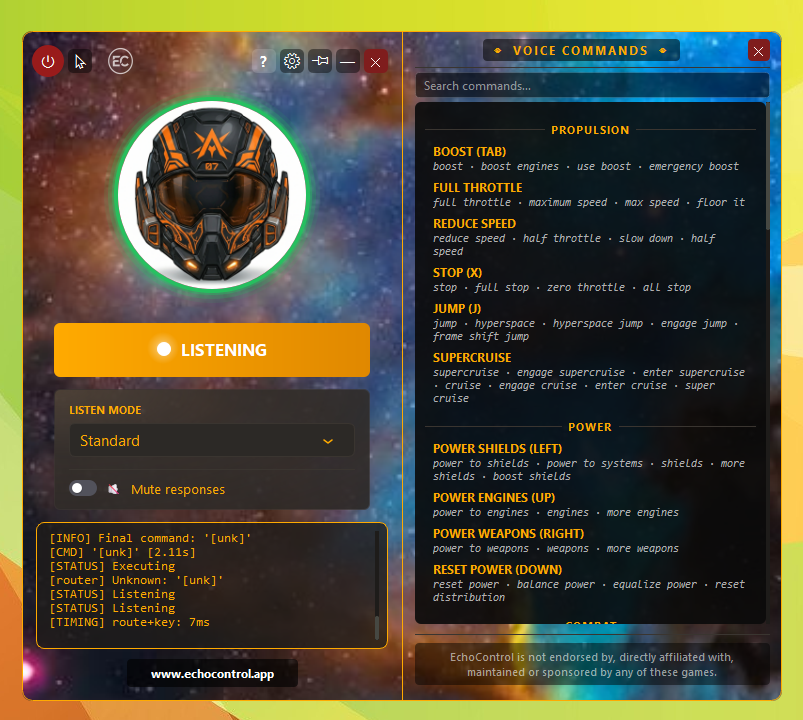
Elite Dangerous profile
Elite Dangerous
38 intents · 131 phrases
Commandos 2: Men of Courage profile
Commandos 2:
Men of Courage
Strategy · voice profile
More games
coming soon
In development
Any game

Your game not on the list?
Build it your way.

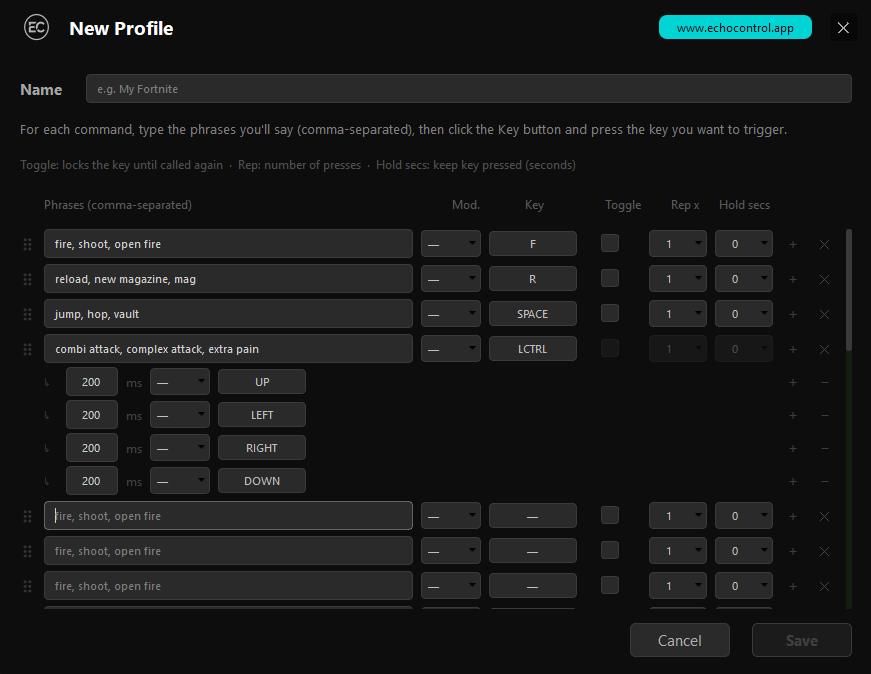
Every copy of EchoControl includes a Custom Profile builder. Up to 200 voice commands — multiple phrases per command, each mapped to exactly the trigger you need.

  • Single key — say "map" and press M. That's the whole setup.
  • Key combo — trigger Ctrl+S, Alt+Tab, or any modifier combination you need.
  • Repeated presses — fire a key two or three times in a row with a single phrase.
  • Long press — hold a key for 1, 2, or 3 seconds. Say "boost" and EchoControl holds it.
  • Sequences — chain any combination of keys in order. Say one phrase, fire Ctrl → Up → Down → Left. One command, as many steps as you need.
  • Save different profiles — no limit. Export, share, import.
EchoControl Custom Profile editor — define phrases and assign keys

Up to 200 commands per profile. Say the phrase — the right trigger fires. Nothing to memorize, nothing to configure twice. Need even more? Request a full official profile directly from the app.

Pricing

One price. Own it forever.

No subscription. No DRM. Yours.

One-time purchase
19,99€
9,99
Launch price · No recurring fees · No subscription
Get EchoControl — 19,99€9,99€

Windows · Instant download · 14-day money-back guarantee

  • 5 game profiles ready to use — ETS2, Shadow Tactics, Delta Force 1 & 2, Elite Dangerous, Commandos 2
  • AI voice feedback — the game responds to you
  • Works from first launch — nothing to configure
  • Custom Profile — up to 200 commands, single key / combo / long press / repeat / key sequence
  • Free updates — new game profiles included