From download to your first voice command.
Four steps, real screenshots, no surprises. Most people are done in under 2 minutes.
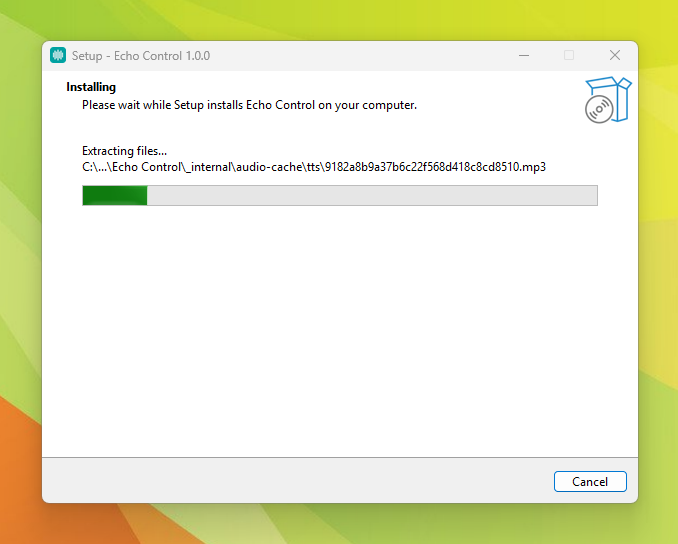
Download and run the installer
No drivers, no dependencies, nothing extra to configure. Windows may show a "Windows protected your PC" warning the first time — that's normal for a newly-released app, not a sign of a problem. Click "More info", then "Run anyway": the installer is code-signed and the warning fades as more people run it.
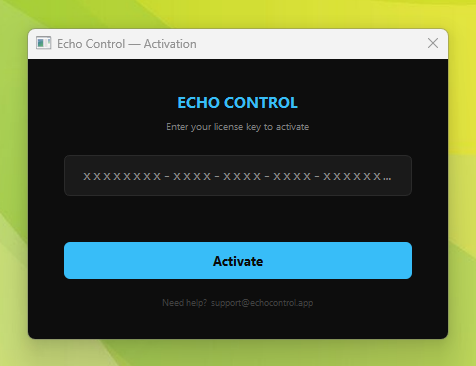
Enter your license key
Right after checkout you get a license key by email. Open EchoControl, paste it in, hit Activate — that's it. One key works on up to 2 devices, and it only needs an internet connection this one time.
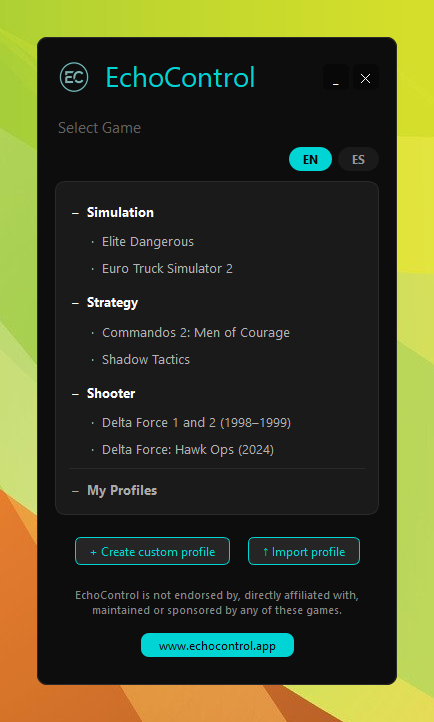
Pick a profile — or build your own
5 games ship fully configured out of the box: Euro Truck Simulator 2, Shadow Tactics, Delta Force 1 & 2, Elite Dangerous, and Commandos 2. Use the EN / ES buttons at the top to play in English or Spanish. Don't see your game? The Custom Profile builder maps up to 200 voice commands to any key, combo, or sequence.
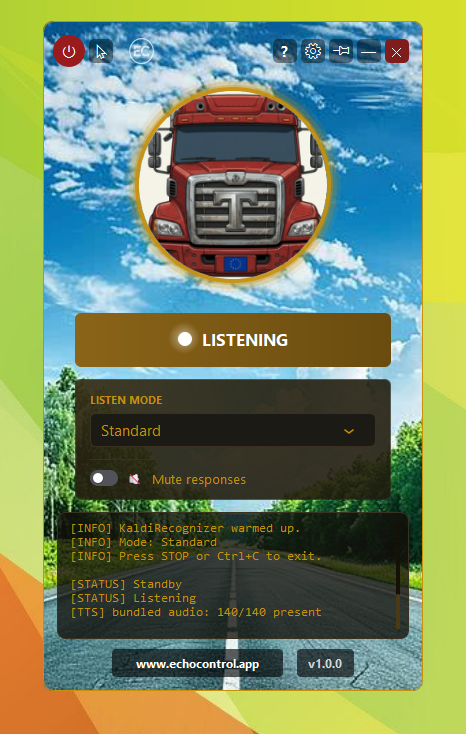
EchoControl listens while you play
Launch your game, make sure EchoControl is running in the background, and go. Each command ships with several accepted phrasings — say whichever comes out naturally, they all fire the same key. No keybind hunting, no menus to dig through mid-fight.
That's the whole setup. Nothing hidden, nothing extra.
Get EchoControl — 9,99€